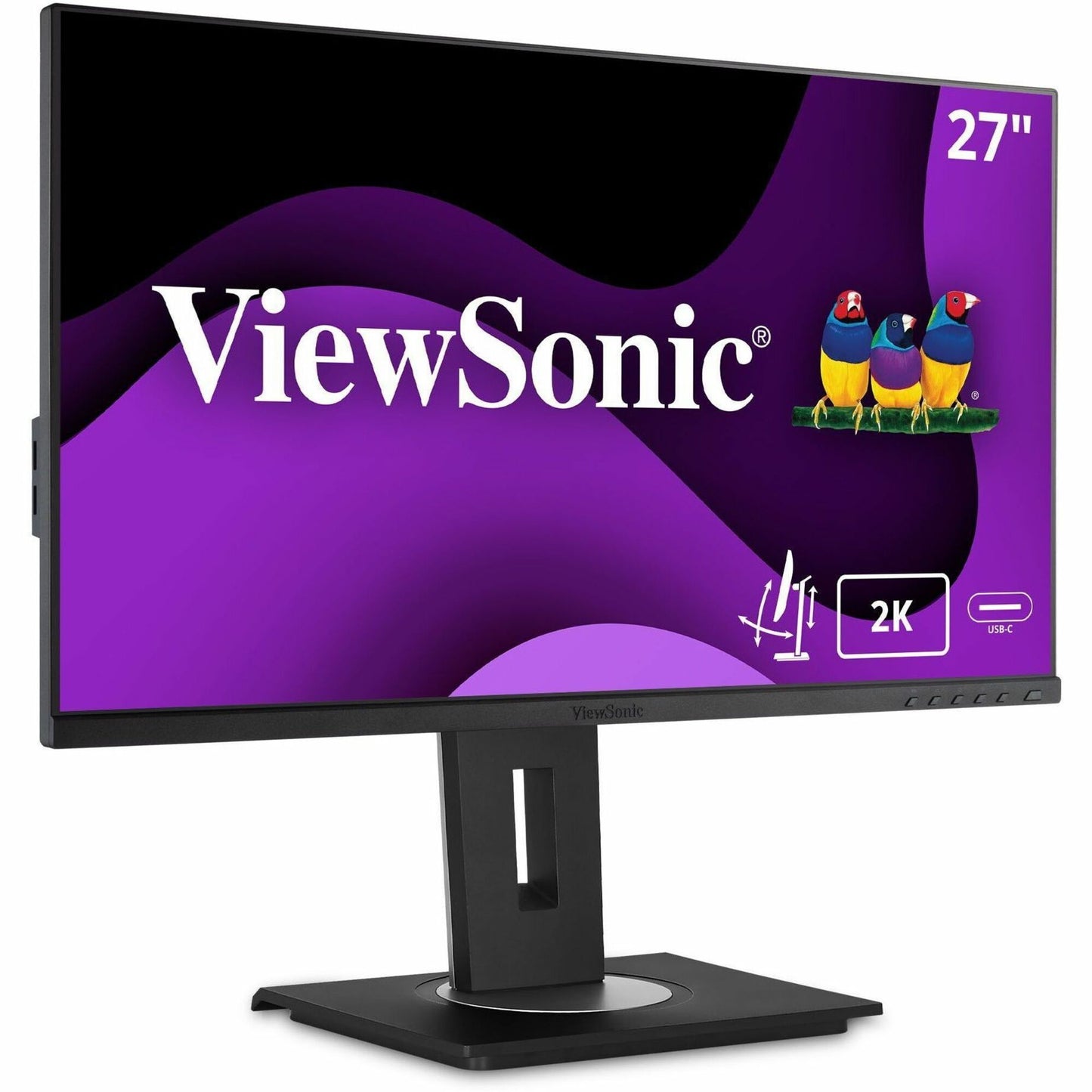
- Description
- Specifications
27-Inch 1440p QHD IPS Docking Monitor with 100W USB-C Power Delivery, Built-In Gigabit Ethernet, DisplayPort Daisy Chain, 40-Degree Tilt, and Full Ergonomic Stand
The ViewSonic VG2756A-2K is a 27-inch WQHD monitor that combines a 2560x1440 IPS panel with 100W USB-C docking, built-in Gigabit Ethernet, and DisplayPort daisy chain for workstations that need sharp resolution, wired network access, and clean single-cable laptop connectivity. The 350-nit brightness produces clear, readable content in well-lit office environments, and the 100W USB-C charges even high-performance laptops at full speed while carrying video and data through one cable. A 27-inch 1440p docking monitor from ViewSonic with RJ45 Ethernet, HDMI, DisplayPort in and out, USB hub, full ergonomic stand with 40-degree tilt, and EPEAT Silver certification for enterprise deployments.
The VG2756A-2K consolidates monitor, docking station, Ethernet adapter, and USB hub into a single display that connects to a laptop with one cable. The built-in Gigabit Ethernet provides wired network access for environments where WiFi is unreliable or restricted by security policy, and the DisplayPort daisy chain output connects a second monitor without running an additional cable back to the laptop. The 40-degree tilt range accommodates standing desk users and group collaboration sessions, and the quick-release stand with integrated thin client mount simplifies deployment for IT teams rolling out workstations across departments.
Where the VG2756A-2K Fits
- Enterprise docking workstations requiring wired network where 100W USB-C provides single-cable laptop connectivity with video, data, and charging, while built-in Gigabit Ethernet delivers reliable wired network access for secure environments
- Dual-monitor daisy chain setups where the DisplayPort output connects a second display directly from the VG2756A-2K without routing an additional cable to the laptop, simplifying desk cabling for productivity-focused roles
- Hot-desking and shared workspace deployments where the 40-degree tilt ergonomic stand, quick-release design, and thin client mount reduce setup time and meet workplace health standards for adjustable displays
What the VG2756A-2K Delivers
- 27-inch 1440p IPS panel: WQHD resolution with 350-nit brightness and wide viewing angles on a SuperClear IPS panel. 77% more pixels than 1080p for sharper text, finer detail, and more usable screen space at native scaling.
- 100W USB-C with Gigabit Ethernet: Single-cable connection delivers video, data, wired network access, and 100W of charging to USB-C laptops. Eliminates separate docking stations, power adapters, and Ethernet adapters.
- DisplayPort daisy chain: DisplayPort output connects a second monitor directly from the VG2756A-2K without routing an additional cable to the laptop. Simplifies dual-display setups in docking configurations.
- Full ergonomic stand with 40-degree tilt: Height, swivel, pivot to portrait, and 40-degree tilt range for comfortable viewing in any seating or standing configuration. Quick-release stand with integrated thin client mount for fast IT deployment.
- HDMI, DisplayPort, USB hub, and Eye Care: Additional video inputs connect to desktops and legacy systems. Built-in USB hub consolidates peripheral connections. Flicker-free backlight and blue light filter reduce visual fatigue.
What Does WQHD Mean for Monitors
WQHD stands for Wide Quad High Definition, the display industry's designation for 2560x1440 resolution on a 16:9 aspect ratio panel. The "Wide" distinguishes it from the 2560x1440 resolution used on non-widescreen formats, and "Quad" refers to the four times the pixel count of 720p HD. In practical terms, WQHD delivers 77% more pixels than 1080p Full HD, which translates to sharper text rendering, finer detail in images, and more usable workspace on screen without reducing element sizes through scaling. The VG2756A-2K runs WQHD at 27 inches for 109 pixels per inch, the resolution-to-size ratio where text appears crisp without requiring the display scaling adjustments that higher resolutions demand at this screen size.