
Computer Monitors
From 1080p workhorses to 4K color‑grade and 240 Hz gaming displays — the right panel for every desk.

Shop Monitors by Category
Top Deals in Monitors
View all (622)-
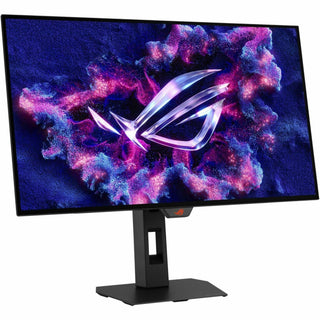
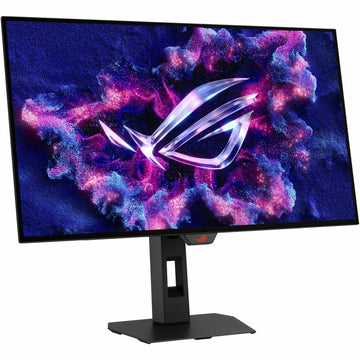
Asus ROG Strix XG27AQDMGR 27" Class WQHD Gaming OLED Monitor - 16:9 - Black - XG27AQDMGR $690.99

-
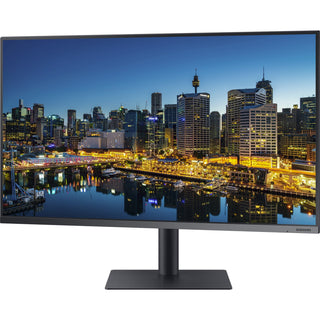
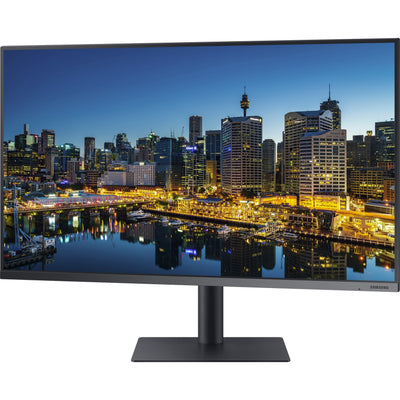
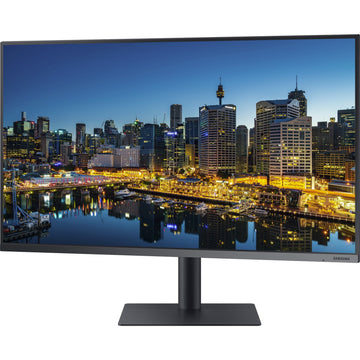
Samsung F32TU874VN 32" Class 4K UHD LCD Monitor - 16:9 - Dark Blue Gray - F32TU874VN $569.99
-
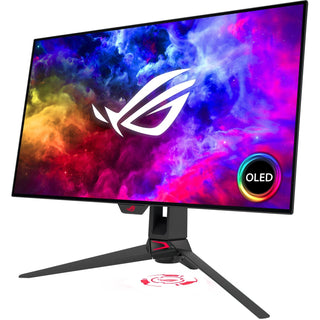
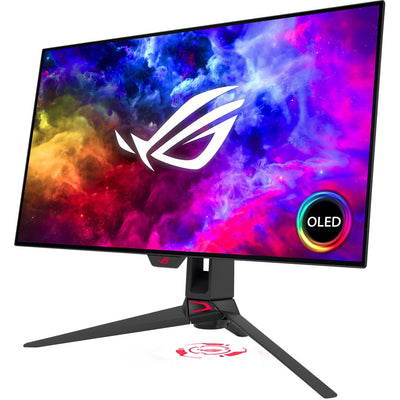
Asus ROG Swift OLED PG27AQDM 27-inch 1440p Gaming Monitor - 240Hz OLED, 0.03ms GTG, 1000-nit HDR10, G-Sync Compatible $862.99
-
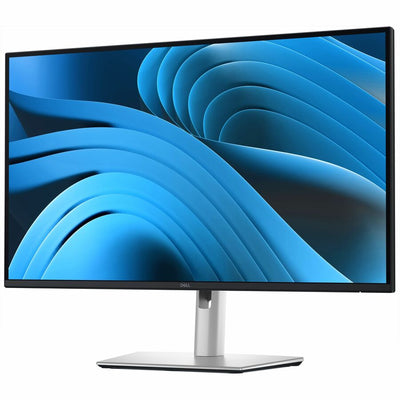
Dell Pro Plus P2725QE 27" Class 4K UHD LED Monitor - 16:9 - Black, Silver - DELL-P2725QE $603.99
-
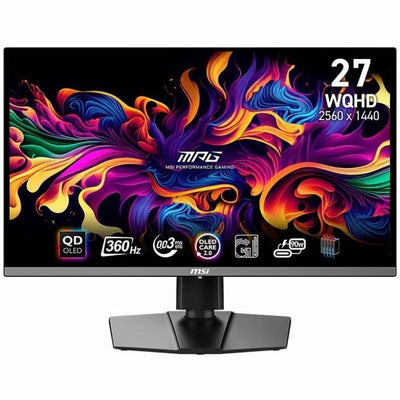
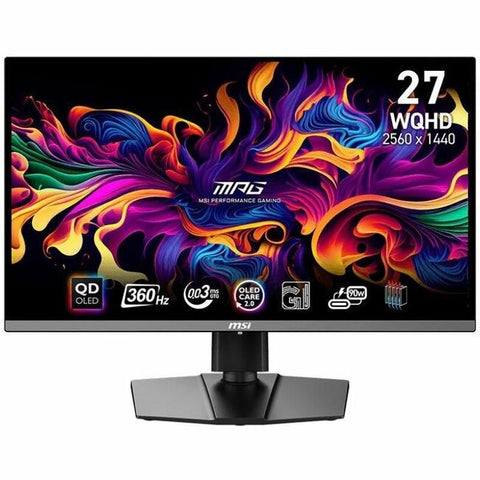
MSI MPG 271QRX QD-OLED 27-Inch WQHD Gaming Monitor - 2560x1440, 360Hz, 0.03ms GTG, 99% DCI-P3, HDR True Black 400, Built-In KVM (MPG271QRXQDOLED) $799.99

Shop by Price
Shop Monitor Brands
Browse our top display manufacturers

-
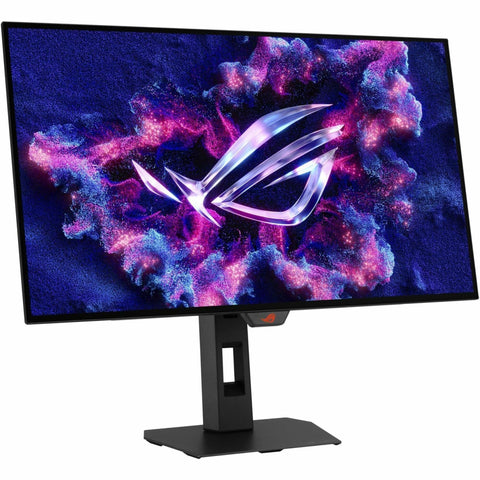
Asus ROG Strix XG27AQDMGR 27" Class WQHD Gaming OLED Monitor - 16:9 - Black - XG27AQDMGR
Regular price $690.99 USDRegular priceUnit price per -
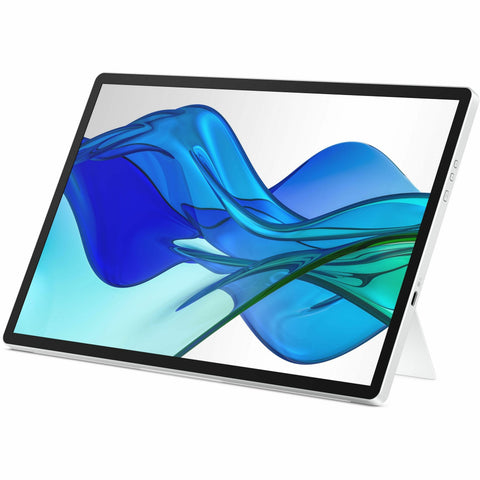
Samsung F32TU874VN 32" Class 4K UHD LCD Monitor - 16:9 - Dark Blue Gray - F32TU874VN
Regular price $569.99 USDRegular priceUnit price per -
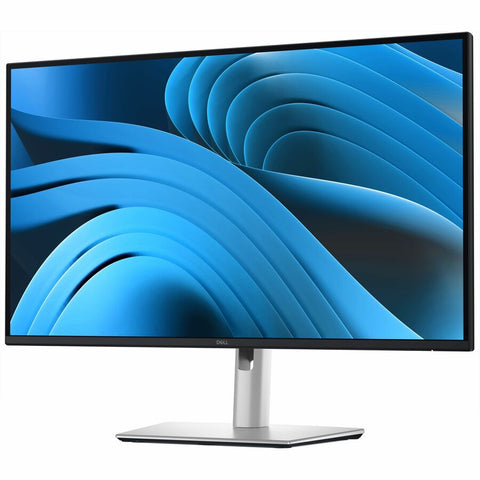
Dell Pro Plus P2725QE 27" Class 4K UHD LED Monitor - 16:9 - Black, Silver - DELL-P2725QE
Regular price $603.99 USDRegular priceUnit price per -
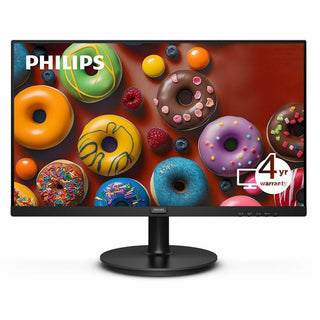
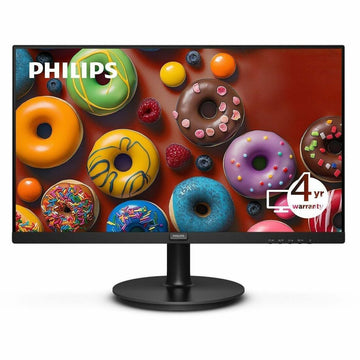
Philips 241V8LBS 24-Inch Full HD Monitor - VA Panel, 100Hz, Adaptive Sync, 4000:1 Contrast, HDMI, VGA, Flicker-Free, 4-Year Warranty
Regular price $92.99 USDRegular priceUnit price per -
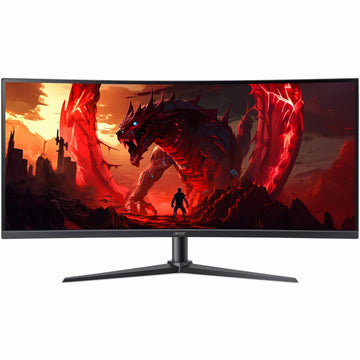
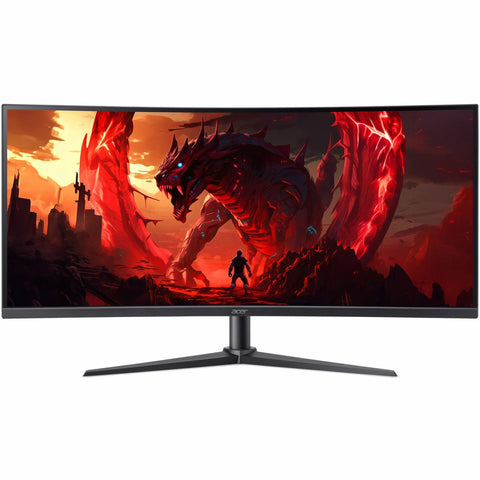
Acer Nitro XZ340CUR X0 34" Class UWQHD Gaming LCD Monitor - 21:9 - Black - UM.CX0AA.006
Regular price $377.99 USDRegular priceUnit price per -
Acer Nitro XV272K V5 27" Class LCD Monitor - 16:9 - Black - UM.HX2AA.501
Regular price $383.99 USDRegular priceUnit price per -
Asus ROG Strix XG32WCS 32" Class WQHD Curved Screen Gaming LCD Monitor - 16:9 - XG32WCS
Regular price $345.99 USDRegular priceUnit price per -
Asus ROG Strix XG32UCWMG 32-inch 4K UHD OLED Gaming Monitor - 240Hz Dual Mode, 0.03ms, HDR, KVM, Black
Regular price $1,151.99 USDRegular priceUnit price per -
Asus ROG Strix XG27UCDMG 27-inch 4K QD-OLED Gaming Monitor - 240Hz, 0.03ms, DisplayHDR 400, USB-C 90W
Regular price $1,035.99 USDRegular priceUnit price per -
ViewSonic VX2716A 27 Inch 1080p Gaming Monitor, IPS Display with 120Hz and 1ms for Smooth Gameplay, DisplayPort for Daisy Chain, USB-C, and HDMI Inputs - VX2716A
Regular price $154.99 USDRegular priceUnit price per -
Asus ROG Swift OLED PG27AQDM 27-inch 1440p Gaming Monitor - 240Hz OLED, 0.03ms GTG, 1000-nit HDR10, G-Sync Compatible
Regular price $862.99 USDRegular priceUnit price per -
MSI MPG 271QRX QD-OLED 27-Inch WQHD Gaming Monitor - 2560x1440, 360Hz, 0.03ms GTG, 99% DCI-P3, HDR True Black 400, Built-In KVM (MPG271QRXQDOLED)
Regular price $799.99 USDRegular priceUnit price per -
Acer Nitro XZ340CUR J0 34" Class WQHD Gaming LCD Monitor - 21:9 - Black - UM.CX0AA.010
Regular price $328.99 USDRegular priceUnit price per -
Asus ROG Strix XG32WCMS 32" Class WQHD Curved Screen Gaming LCD Monitor - 16:9 - ROG Strix XG32WCMS
Regular price $460.99 USDRegular priceUnit price per -
Asus ROG Strix XG248QSG Ace 24in FHD Esports Gaming Monitor - 610Hz, 0.1ms, Super TN, HDMI 2.1 (XG248QSG)
Regular price $920.99 USDRegular priceUnit price per -
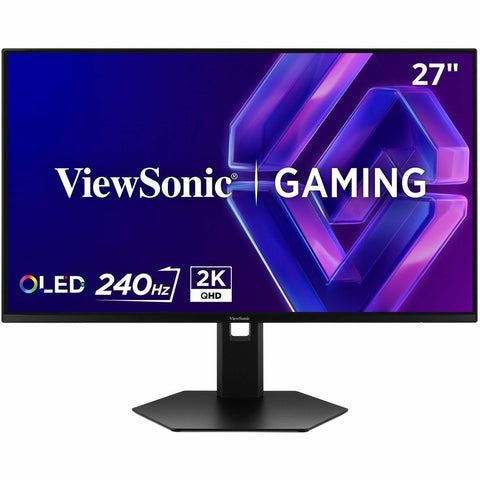
ViewSonic VX2738-2K-OLED 27 Inch 1440p Gaming Monitor, OLED Display with 240Hz and 0.03ms for Smooth Gameplay, FreeSync Premium, Eye Care Technology, Advanced Ergonomics, HDMI, and DisplayPort - VX2738-2K-OLED
Regular price $530.99 USDRegular priceUnit price per


Buying Guide
Not sure which monitor?
Resolution, refresh rate, panel type — our guide breaks down everything that matters before you buy.
Read the buying guide