- Description
- Specifications
Walk Into Any Meeting Room and Share Your Screen in One Tap
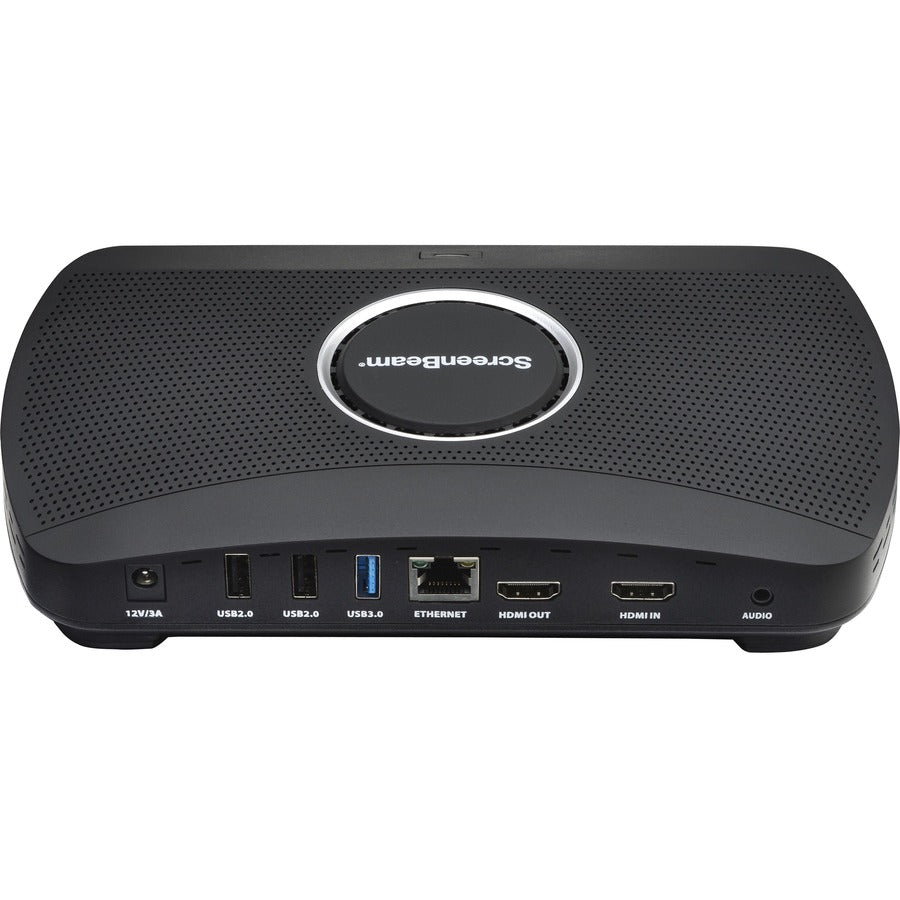
No cables to hunt for, no app to install: the ScreenBeam 1100 Plus lets anyone in the room put their laptop or phone on the display wirelessly, then launch a Teams or Zoom meeting from the same box. It is a 4K wireless presentation and Unified Communications platform for hybrid meeting spaces. See more video conferencing gear or browse TVs and streaming.
Where It Fits
- Hybrid meeting rooms that host both in-person and remote participants.
- Huddle spaces and conference rooms standardizing on Microsoft Teams Rooms or Zoom Rooms.
- Guest-friendly spaces that need visitors online without touching the company network.
What It Delivers
- App-free wireless sharing: present from Windows, macOS, iOS, Android, and Chromebook with a single tap.
- Unified Communications: launch a Teams or Zoom meeting, or any web conferencing service, from the room.
- Four at once: up to four devices share content simultaneously, and presenters switch without disconnecting.
- 4K UHD output, HDMI in and out, and integrated digital signage when the room is idle.
- ScreenBeam CMS management with role-based access, PIN pairing, and separate employee and guest networks.
What is the ScreenBeam 1100 Plus?
The ScreenBeam 1100 Plus is a wireless presentation and Unified Communications receiver for meeting rooms. It connects to a room display over HDMI and lets people share their screens wirelessly, with no app or dongle, from any major platform. It also turns the room into a UC space: hosts can start a Microsoft Teams or Zoom meeting using the included ScreenBeam Conference software and the room's camera and peripherals. IT manages a fleet of receivers centrally through ScreenBeam CMS.