
UniFi Access Points
Build your wireless coverage. Explore UniFi access points for your network.
30 products

- Free shippingOn orders over $1,000
- Business pricingVolume & trade discounts
- Expert supportSpec help from pros


-
Ubiquiti UniFi E7 - WiFi 7 Enterprise Access Point, Tri-Band 10 Streams, 10 GbE Uplink, 1000+ Clients (E7)
Regular price $499.99 USDRegular priceUnit price per$519.99 USDSale price $499.99 USDIn stockSale -
Ubiquiti UniFi U7 Pro Max - Tri-Band WiFi 7 Access Point, 8 Streams, 500+ Clients, 2.5 GbE PoE+ (U7-Pro-Max)
Regular price $332.99 USDRegular priceUnit price per$319.99 USDSale price $332.99 USDIn stock -
Ubiquiti UniFi U7 Lite WiFi 7 Access Point - Dual-Band 4.3 Gbps, 2.5 GbE Uplink, PoE Ceiling Mount (U7-LITE-US)
Regular price $119.99 USDRegular priceUnit price per -
Ubiquiti UniFi 6 U6-IW Dual Band Wi-Fi 6 IEEE 802.11 a/b/g/n/ac/ax/k/v/r 4.80 Gbit/s Wireless Access Point - Yes - U6-IW-US
Regular price $228.99 USDRegular priceUnit price per -
Ubiquiti UniFi E7 Campus Indoor Wi-Fi 7 Access Point - Tri-Band, 11.5 Gbps, 10-Stream, 10 GbE (E7-Campus-Indoor-US)
Regular price $1,143.99 USDRegular priceUnit price per -
Ubiquiti UniFi U6 Mesh WiFi 6 Access Point - Dual-Band 4.8 Gbps, 4x4 MIMO, IPX5 Indoor/Outdoor, PoE (U6-Mesh)
Regular price $677.99 USDRegular priceUnit price per$239.99 USDSale price $677.99 USDIn stock -
Ubiquiti UniFi WiFi BaseStation XG - 802.11ac Wave 2 MU-MIMO Access Point, 1.7 Gbps, 1500+ Client Capacity (UWB-XG)
Regular price $720.99 USDRegular priceUnit price per -
Ubiquiti UniFi AC SHD Access Point - 802.11ac Wave 2 4x4 MU-MIMO with Dedicated Security Radio (UAP-AC-SHD)
Regular price $453.99 USDRegular priceUnit price per -
Ubiquiti UniFi AC Pro Access Point - 802.11ac Dual-Band, 3x3 MIMO, 1.27 Gbps, Indoor/Outdoor (UAP-AC-PRO)
Regular price $187.99 USDRegular priceUnit price per -

Ubiquiti UniFi AC Pro 5-Pack - WiFi 5 Dual-Band Access Point, 3x3 MIMO, 1.3 Gbps, PoE (UAP-AC-PRO-5)
Regular price $867.99 USDRegular priceUnit price per -
Ubiquiti UniFi U7 Pro XGS WiFi 7 Access Point - Tri-Band 8-Stream, 10 GbE Uplink, Spectral Scanning (U7-PRO-XGS)
Regular price $359.99 USDRegular priceUnit price per -
Ubiquiti UniFi U7 Pro WiFi 7 Access Point - Tri-Band 9.12 Gbps, 6 GHz, 2.5 GbE Uplink, PoE+ Ceiling Mount (U7-PRO-US)
Regular price $229.99 USDRegular priceUnit price per -
Ubiquiti UniFi U7 Outdoor WiFi 7 Access Point - Dual-Band 4.3 Gbps, 2.5 GbE Uplink, IPX6 Weatherproof, PoE (U7-Outdoor-US)
Regular price $239.99 USDRegular priceUnit price per -
Ubiquiti UniFi U6+ WiFi 6 Access Point - Dual-Band AX3000, PoE Powered, 300+ Clients (U6+)
Regular price $158.99 USDRegular priceUnit price per -
Ubiquiti UniFi U6 Mesh Pro - WiFi 6 Outdoor Access Point, Dual-Band, IPX6, MU-MIMO (U6-Mesh-Pro)
Regular price $239.99 USDRegular priceUnit price per -
Ubiquiti UniFi U6 Enterprise In-Wall - WiFi 6E Tri-Band Access Point with 4-Port Switch (U6-Enterprise-IW)
Regular price $269.99 USDRegular priceUnit price per$299.99 USDSale price $269.99 USDIn stockSale -
Ubiquiti UniFi E7 Audience WiFi 7 Access Point - 12-Stream Dual-Band for High-Density Venues, 10 GbE, IP68 (E7-AUDIENCE)
Regular price $1,999.99 USDRegular priceUnit price per -
Ubiquiti UniFi E7 Campus - WiFi 7 Outdoor Access Point with 12 dBi Directional Antennas, IP67, 10 GbE (E7-Campus)
Regular price $799.99 USDRegular priceUnit price per$849.99 USDSale price $799.99 USDIn stockSale -
Ubiquiti UniFi U7 Long-Range WiFi 7 Access Point - Dual-Band, 5 Spatial Streams, 2.5 GbE, 1,750 sq ft Coverage (U7-LR)
Regular price $192.99 USDRegular priceUnit price per -
Ubiquiti UniFi U7 In-Wall - WiFi 7 Access Point with Integrated 3-Port 2.5G Switch and PoE Passthrough (U7-IW)
Regular price $179.99 USDRegular priceUnit price per$199.99 USDSale price $179.99 USDIn stockSale -
Ubiquiti U7 Pro Outdoor - WiFi 7 Outdoor Access Point with Directional Super Antenna and 5,000 sq ft Coverage (U7-Pro-Outdoor)
Regular price $333.99 USDRegular priceUnit price per -
Ubiquiti UniFi U6 Enterprise - WiFi 6E Tri-Band Access Point, 10 Spatial Streams, 2.5 GbE, PoE+ (U6-Enterprise-US)
Regular price $342.99 USDRegular priceUnit price per$359.99 USDSale price $342.99 USDIn stockSale -
Ubiquiti UniFi U6 Pro WiFi 6 Access Point - Dual-Band, 4x4 MIMO, 5.3 Gbps, PoE Ceiling Mount (U6-PRO-US)
Regular price $195.99 USDRegular priceUnit price per -
Ubiquiti UniFi BeaconHD - Plug-In WiFi 5 Mesh Extender, 802.11ac Wave 2, 4x4 MU-MIMO (UAP-BeaconHD)
Regular price $154.99 USDRegular priceUnit price per$169.99 USDSale price $154.99 USDSold out -
Ubiquiti U7 Pro U7 Pro XG Tri Band Wi-Fi 7 IEEE 802.11n/ac/ax/be/v/r/k 5.80 Gbit/s Wireless Access Point - Yes - U7-PRO-XG-US
Regular price $240.99 USDRegular priceUnit price per -
Ubiquiti UniFi Swiss Army Knife Ultra - Compact WiFi 5 Access Point, Indoor/Outdoor, IPX6, External Antenna Ready (UK-Ultra)
Regular price $98.99 USDRegular priceUnit price per -
Ubiquiti UniFi FlexHD WiFi 5 Wave 2 Access Point - Tabletop 4x4 MU-MIMO, 1.7 Gbps, PoE Powered (UAP-FlexHD)
Regular price $190.99 USDRegular priceUnit price per -
Ubiquiti UniFi AC Mesh - Outdoor WiFi 5 Access Point with Plug-and-Play Mesh, Dual-Band, 1.27 Gbps (UAP-AC-M)
Regular price $120.99 USDRegular priceUnit price per -
Ubiquiti UniFi AC HD Access Point - 802.11ac Wave 2, 4x4 MU-MIMO, 1.69 Gbps, High-Density (UAP-AC-HD)
Regular price $329.99 USDRegular priceUnit price per -
Ubiquiti UniFi U7 Pro Wall - WiFi 7 Tri-Band Access Point, 6 Streams, 1,500 sq ft, PoE+ (U7-Pro-Wall)
Regular price $239.99 USDRegular priceUnit price per






UniFi Access Points Buying Guide
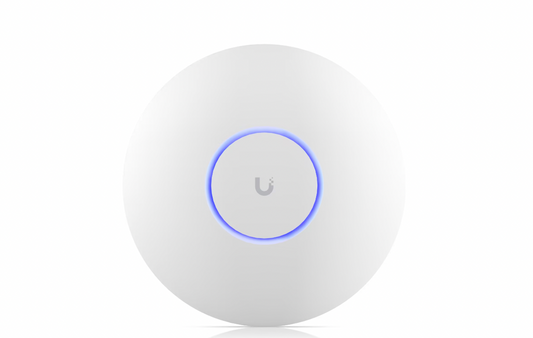
UniFi access points are Ubiquiti's managed WiFi line. You manage them all together in UniFi Network, with VLANs, guest networks, and seamless roaming set up once for the whole site. They work alongside UniFi switches and gateways in the same dashboard.
Choosing a WiFi Generation
WiFi 7 models in the U7 and E7 lines are the newest. Tri-band versions add the 6 GHz band for faster connections with less interference, and their 2.5 GbE or 10 GbE uplinks keep the wired connection from holding them back.
WiFi 6 and WiFi 6E models make up the U6 line, with 6E models adding the 6 GHz band.
WiFi 5 models, including the AC line, are also available.
Choosing a Mount and Location
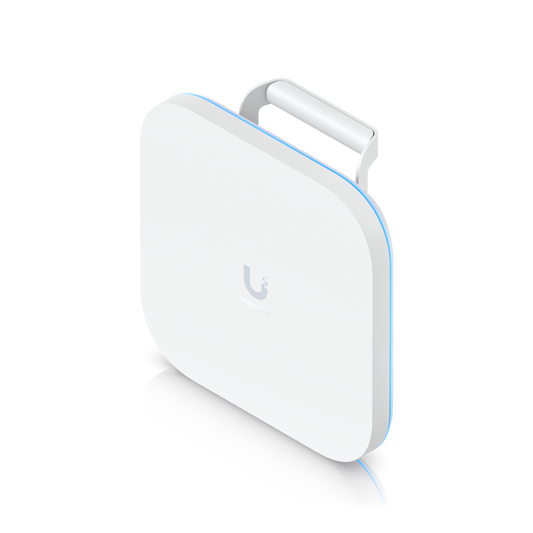
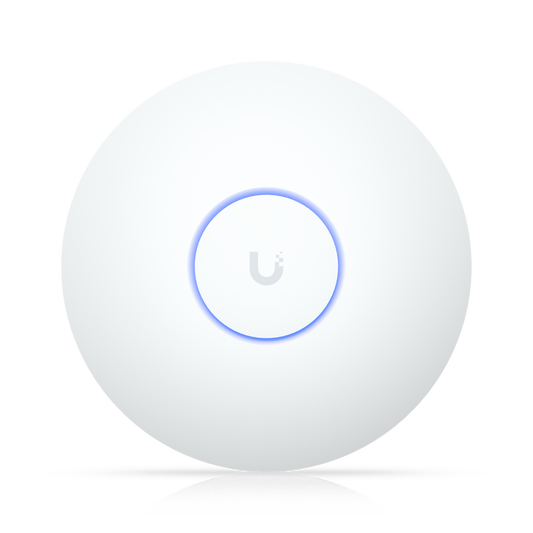
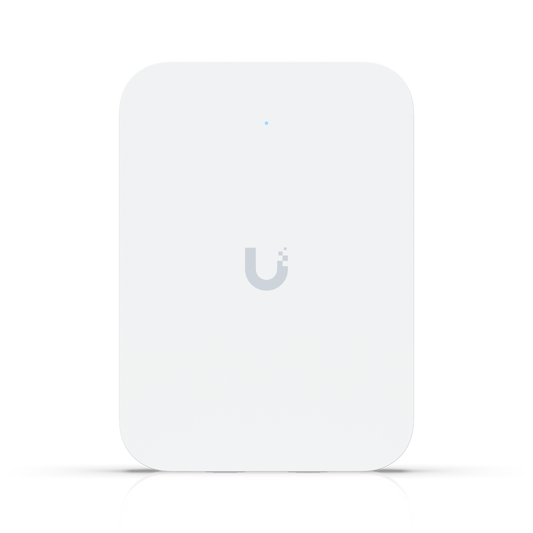
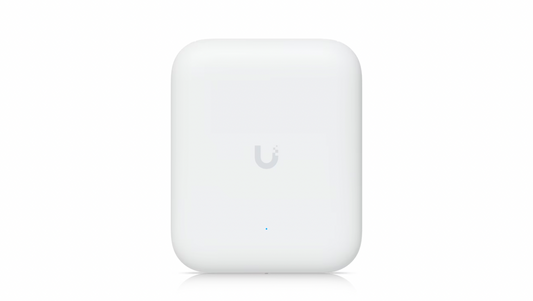
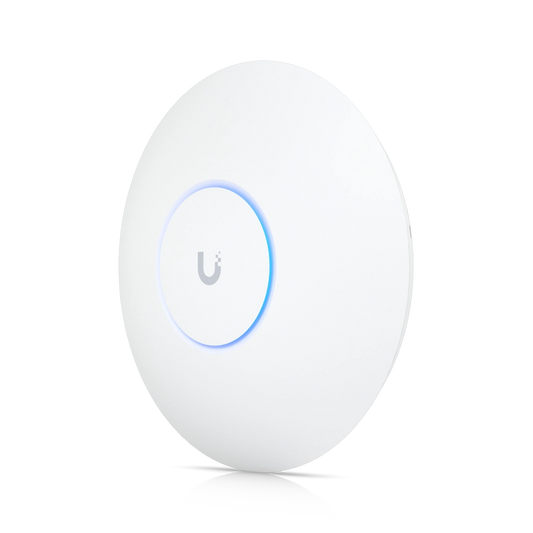
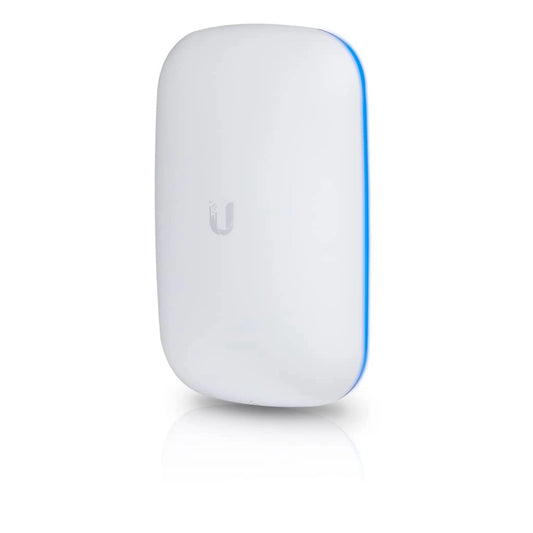
Ceiling mount models cover offices and open floors from above. Wall and in-wall models mount on a wall instead, and in-wall units add a few wired ports for a phone, computer, or other wired device in rooms like hotel rooms. The FlexHD sits on a tabletop, and the BeaconHD plugs straight into an outlet to extend WiFi through mesh with no cable run.
Weather ratings on outdoor models range from IPX5 to IP68, and directional models like the E7 Campus and U7 Pro Outdoor aim their coverage at one area, like a campus courtyard, instead of spreading it in every direction. For stadiums, campuses, and other large sites, see our UniFi Enterprise lineup.
Power and Uplinks
Power requirements vary by model. Some run on standard PoE, while others need PoE+ or PoE++, so check the requirement on each product and match it with a PoE switch. Some packages include a PoE injector and others don't, so check the package contents if you aren't using a PoE switch.
UniFi Access Point FAQs
What do UniFi access points do?
They broadcast WiFi for your network from a ceiling, wall, desk, or pole. Because UniFi Network manages them as one system, devices roam from one access point to the next as people move around the building.
How do I connect a UniFi access point?
For a wired model, run an Ethernet cable from a PoE switch or injector to the access point, then adopt it in your UniFi console. Once adopted, it picks up the WiFi networks and settings you've already created.
How far can a UniFi access point reach?
It depends on the model and the building. Where Ubiquiti lists coverage, indoor models here are rated at about 1,250 to 1,750 square feet each, and outdoor models like the E7 Campus and U7 Pro Outdoor at up to 5,000 square feet.