
Wireless Access Points
Extend your wireless network. Explore access points for offices, shared spaces, and growing installations.
148 products

- Free shippingOn orders over $1,000
- Business pricingVolume & trade discounts
- Expert supportSpec help from pros


-
HPE Aruba AP-567 Wi-Fi 6 Outdoor Directional Access Point (R4W49A)
Regular price $1,741.99 USDRegular priceUnit price per -
HPE Instant On AP22 802.11ax 1.66 Gbit/s Wireless Access Point - R4W01A
Regular price $169.99 USDRegular priceUnit price per -
HPE Aruba AP-577 Outdoor 802.11ax Wireless Access Point - Wi-Fi 6 Dual-Band, Directional, 5.25 Gbps (R4H23A)
Regular price $2,815.99 USDRegular priceUnit price per -
HPE Aruba AP-575 Outdoor 802.11ax Wireless Access Point - Wi-Fi 6, Dual-Radio, TAA (R4H18A)
Regular price $2,815.99 USDRegular priceUnit price per -
HPE Aruba 503H Wi-Fi 6 Unified Hospitality Access Point - Dual-Band 1.45 Gbps, 2x2 MIMO, Gigabit PoE (R3V38A)
Regular price $1,245.25 USDRegular priceUnit price per -
HPE AP-505 802.11ax 1.77 Gbit/s Wireless Access Point - R2H29A
Regular price $744.99 USDRegular priceUnit price per -
HPE AP-504 802.11ax 1.77 Gbit/s Wireless Access Point - R2H23A
Regular price $744.99 USDRegular priceUnit price per -
HPE Aruba AP-515 Wi-Fi 6 Access Point - Dual Radio 4x4:4 802.11ax, 5.4Gbps, Internal Antennas, TAA (Q9H63A)
Regular price $1,165.99 USDRegular priceUnit price per -
HPE Aruba AP-514 Wi-Fi 6 Access Point - Dual Radio 4x4:4 802.11ax, 5.4Gbps, External Antennas (Q9H58A)
Regular price $1,165.99 USDRegular priceUnit price per -
Zyxel WiFi 6 AX1800 Wireless Gigabit Outdoor Access Point | IP55 Rated | Mesh, Seamless Roaming & MU-MIMO | WPA3-PSK Security | Cloud, App or Direct Management | PoE+ Injector Included | NWA55AXE - NWA55AXE
Regular price $141.99 USDRegular priceUnit price per -
Zyxel WiFi 6 AX3000 Wireless Gigabit Access Point | Mesh, Seamless Roaming, & MU-MIMO | WPA3-PSK Security | Cloud, App or Direct Management | POE+ or AC Powered | AC Adapter Included | NWA50AX PRO - NWA50AX PRO
Regular price $94.99 USDRegular priceUnit price per -
ZYXEL NebulaFlex NWA210BE Tri Band Wi-Fi 7 IEEE 802.11 a/b/g/n/ac/ax/be 12.30 Gbit/s Wireless Access Point - NWA210BE
Regular price $236.99 USDRegular priceUnit price per -
ZYXEL NebulaFlex NWA110BE Tri Band Wi-Fi 7 IEEE 802.11 a/b/g/n/ac/ax/be 6.50 Gbit/s Wireless Access Point - NWA110BE
Regular price $165.99 USDRegular priceUnit price per -
HPE Aruba AP-535 Wi-Fi 6 Access Point - Internal Antennas (JZ337A)
Regular price $2,004.99 USDRegular priceUnit price per -
HPE Aruba AP-534 Wi-Fi 6 Access Point - 4x4 MIMO, Dual 5GbE (JZ332A)
Regular price $2,004.99 USDRegular priceUnit price per -
Omada EAP787 Tri Band Wi-Fi 7 IEEE 802.11 a/b/g/n/ac/ax/be 15 Gbit/s Wireless Access Point - EAP787
Regular price $321.99 USDRegular priceUnit price per -
TP-Link Omada EAP773 Tri Band Wi-Fi 7 IEEE 802.11 a/b/g/n/ac/ax/be 10.40 Gbit/s Wireless Access Point - EAP773
Regular price $215.99 USDRegular priceUnit price per -
TP-Link Omada EAP772 Tri Band Wi-Fi 7 IEEE 802.11 a/b/g/n/ac/ax/be 10.40 Gbit/s Wireless Access Point - EAP772
Regular price $194.99 USDRegular priceUnit price per -
TP-Link Omada EAP723 Dual Band Wi-Fi 7 IEEE 802.11 a/b/g/n/ac/ax/be 5 Gbit/s Wireless Access Point - EAP723
Regular price $102.99 USDRegular priceUnit price per -
Ubiquiti UniFi E7 Audience WiFi 7 Access Point - 12-Stream Dual-Band for High-Density Venues, 10 GbE, IP68 (E7-AUDIENCE)
Regular price $1,999.99 USDRegular priceUnit price per -
Cisco Business 150AX Dual Band IEEE 802.11ax 1.49 Gbit/s Wireless Access Point - CBW150AX-B-NA
Regular price $167.99 USDRegular priceUnit price per -
Cisco Catalyst 9115 C9115AXI-B Wi-Fi 6 Access Point - 4x4 Dual-Band, 5.38 Gbps, 2.5G Multigigabit, Internal Antennas
Regular price $1,028.99 USDRegular priceUnit price per -
SonicWall SonicWave 621 WiFi 6 Ceiling Mount Access Point with PoE+ and 3-Year Secure Wireless Management (03-SSC-0718)
Regular price $650.99 USDRegular priceUnit price per -
SonicWall SonicWave 621 WiFi 6 Access Point with 3-Year Secure Wireless Management (03-SSC-0711)
Regular price $722.99 USDRegular priceUnit price per -
SonicWall SonicWave 621 WiFi 6 Access Point with 1-Year Secure Wireless Management (03-SSC-0710)
Regular price $544.99 USDRegular priceUnit price per -
SonicWall SonicWave 641 WiFi 6 Access Point - Dual-Band Indoor, 2.5GbE, Cloud Managed (03-SSC-0303)
Regular price $1,059.99 USDRegular priceUnit price per -
Ubiquiti UniFi E7 Campus - WiFi 7 Outdoor Access Point with 12 dBi Directional Antennas, IP67, 10 GbE (E7-Campus)
Regular price $799.99 USDRegular priceUnit price per$849.99 USDSale price $799.99 USDIn stockSale -
Ubiquiti UniFi U7 Long-Range WiFi 7 Access Point - Dual-Band, 5 Spatial Streams, 2.5 GbE, 1,750 sq ft Coverage (U7-LR)
Regular price $192.99 USDRegular priceUnit price per -
Ubiquiti UniFi U7 In-Wall - WiFi 7 Access Point with Integrated 3-Port 2.5G Switch and PoE Passthrough (U7-IW)
Regular price $179.99 USDRegular priceUnit price per$199.99 USDSale price $179.99 USDIn stockSale -
Ubiquiti U7 Pro Outdoor - WiFi 7 Outdoor Access Point with Directional Super Antenna and 5,000 sq ft Coverage (U7-Pro-Outdoor)
Regular price $333.99 USDRegular priceUnit price per -
Ubiquiti UniFi U6 Enterprise - WiFi 6E Tri-Band Access Point, 10 Spatial Streams, 2.5 GbE, PoE+ (U6-Enterprise-US)
Regular price $342.99 USDRegular priceUnit price per$359.99 USDSale price $342.99 USDIn stockSale -
HPE Aruba AP-565 Wi-Fi 6 Outdoor Omni Access Point (R4W44A)
Regular price $1,737.99 USDRegular priceUnit price per -
Zyxel WiFi 6 AX3000 Wireless Gigabit Access Point | Mesh, Seamless Roaming, Captive Portal & MU-MIMO | WPA3 Security | Cloud, App or Direct Management | POE+ | AC Adapter Included |NWA90AX PRO - NWA90AXPRO
Regular price $129.99 USDRegular priceUnit price per -
Asus ExpertWiFi EBA63 Dual Band Wi-Fi 6 IEEE 802.11 a/b/g/n/ac/ax 2.91 Gbit/s Wireless Access Point - ExpertWiFiEBA63
Regular price $146.99 USDRegular priceUnit price per -
TP-Link EAP783 Tri Band Wi-Fi 7 IEEE 802.11 a/b/g/n/ac/ax/be 21.03 Gbit/s Wireless Access Point - EAP783
Regular price $579.99 USDRegular priceUnit price per -
TP-Link Omada EAP772-Outdoor Tri Band Wi-Fi 7 IEEE 802.11 a/b/g/n/ac/ax/be 11 Gbit/s Wireless Access Point - Indoor/Outdoor - EAP772-OUTDOOR
Regular price $289.99 USDRegular priceUnit price per -
TP-Link Omada EAP670 Dual Band Wi-Fi 6 IEEE 802.11 a/b/g/n/ac/ax 5.25 Gbit/s Wireless Access Point - EAP670 v2
Regular price $172.99 USDRegular priceUnit price per -
TP-Link EAP650 - Omada WiFi 6 AX3000 Wireless Gigabit Ceiling Mount Access Point - EAP650
Regular price $129.99 USDRegular priceUnit price per -
Cisco 240AC IEEE 802.11ac 1.69 Gbit/s Wireless Access Point - CBW240AC-B
Regular price $285.99 USDRegular priceUnit price per -
Cisco 145AC IEEE 802.11ac 1 Gbit/s Wireless Access Point - CBW145AC-B
Regular price $223.99 USDRegular priceUnit price per -
Cisco 140AC IEEE 802.11ac 1 Gbit/s Wireless Access Point - CBW140AC-B
Regular price $172.99 USDRegular priceUnit price per -
Cisco Catalyst 9105AXI 802.11ax 1.45 Gbit/s Wireless Access Point - C9105AXI-B
Regular price $615.99 USDRegular priceUnit price per -
Cisco 140AC IEEE 802.11ac 1 Gbit/s Wireless Access Point - 5-CBW140AC-B
Regular price $491.99 USDRegular priceUnit price per -
Cisco Business 240AC Wireless Access Point - 802.11ac Wave 2, 4x4 MU-MIMO, Dual-Band, 3-Pack (3-CBW240AC-B)
Regular price $712.99 USDRegular priceUnit price per -
SonicWall SonicWave 621 WiFi 6 Access Point with PoE+ Injector and 1-Year Secure Wireless Management (03-SSC-0721)
Regular price $588.99 USDRegular priceUnit price per -
SonicWall SonicWave 641 WiFi 6 Access Point with 3-Year Advanced Secure Wireless Management (03-SSC-0349)
Regular price $1,195.99 USDRegular priceUnit price per -
SonicWall SonicWave 641 WiFi 6 Access Point with 3-Year Secure Wireless Management (03-SSC-0347)
Regular price $1,098.99 USDRegular priceUnit price per


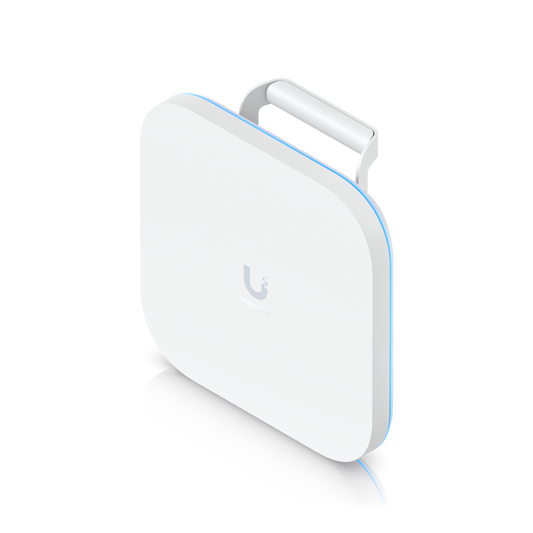
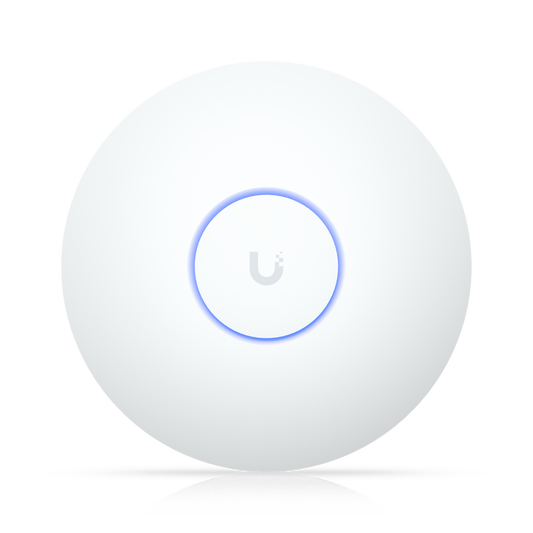
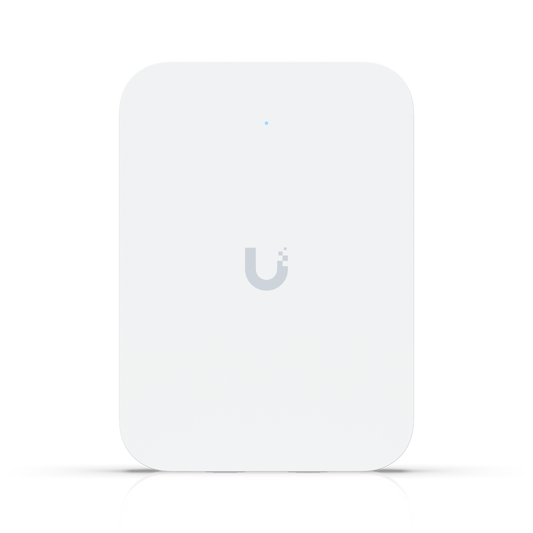
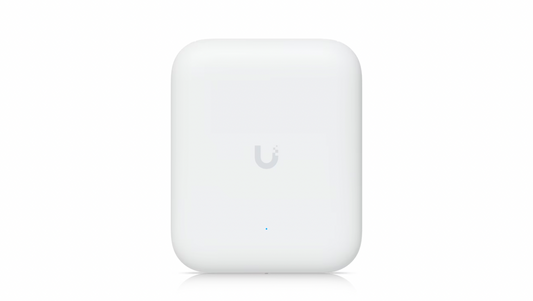
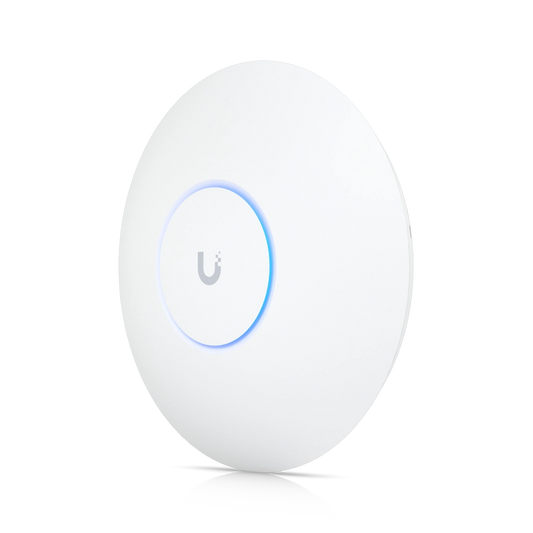


Wireless Access Points Buying Guide
A wireless access point brings WiFi to your wired network. It connects to a switch with one Ethernet cable and covers its own area, so instead of stretching a single router across a building, you add access points where people work and gather. That's how offices, schools, hotels, and warehouses keep a strong signal in every room.
WiFi 7 or WiFi 6?
WiFi 7 is the newest standard. It opens up wider channels on the 6 GHz band and lets devices connect over more than one band at the same time, which keeps speeds up when a room fills with laptops and phones. It's the right pick for new buildings, busy offices, and networks you want to last for years. WiFi 6 is still a dependable, budget-friendly choice for everyday offices, classrooms, and stores, and WiFi 6E adds the 6 GHz band for cleaner airwaves. Whichever you choose, make sure your switch ports are fast enough to keep up. Browse WiFi 7 access points or WiFi 6 access points.
Indoor and Outdoor Access Points
Indoor access points mount on a ceiling or wall and spread coverage across offices, classrooms, and hallways. Wall-plate and in-wall models fit hotel rooms and dorms, and some add a few network ports for a TV or desk phone. Outdoor access points are sealed against rain, dust, and temperature swings, and they cover patios, parking lots, warehouse yards, and campus grounds. Directional outdoor models aim their signal at one area to reach farther. Shop indoor access points or outdoor access points.
Managing Your Access Points
Every brand runs its access points through its own app or dashboard, where you set up networks and guest WiFi and keep every unit updated from one place. Ubiquiti uses UniFi, TP-Link uses Omada, Zyxel uses Nebula, Netgear uses Insight, and HPE Aruba access points use Instant On for small businesses and Central for larger networks. If you already run one brand's switches or firewall, choosing the same brand for your access points keeps everything in one dashboard.
Power and Cabling
Access points run on Power over Ethernet, so a single cable from a PoE switch carries both data and power. That means you don't need an outlet on the ceiling or pole where the access point mounts. Higher-performance models draw more power, so check each one's PoE requirement when choosing a switch, or use a PoE injector to power a single access point. Our guide to PoE vs PoE+ vs PoE++ explains the difference.
Wireless Access Point FAQs
Do I need an access point, a router, or an extender?
A router connects your network to the internet and hands out addresses. An access point adds WiFi to a wired network, and you can place as many as you need, each cabled back to a switch. An extender repeats a wireless signal without a cable, which is easier to install but cuts into speed. For a business, wired access points give the most consistent coverage.
How many access points do I need?
Plan around people and devices, not just square footage. A crowded conference room or classroom needs more access points than an open warehouse of the same size, and walls, floors, and metal shelving all shorten range.