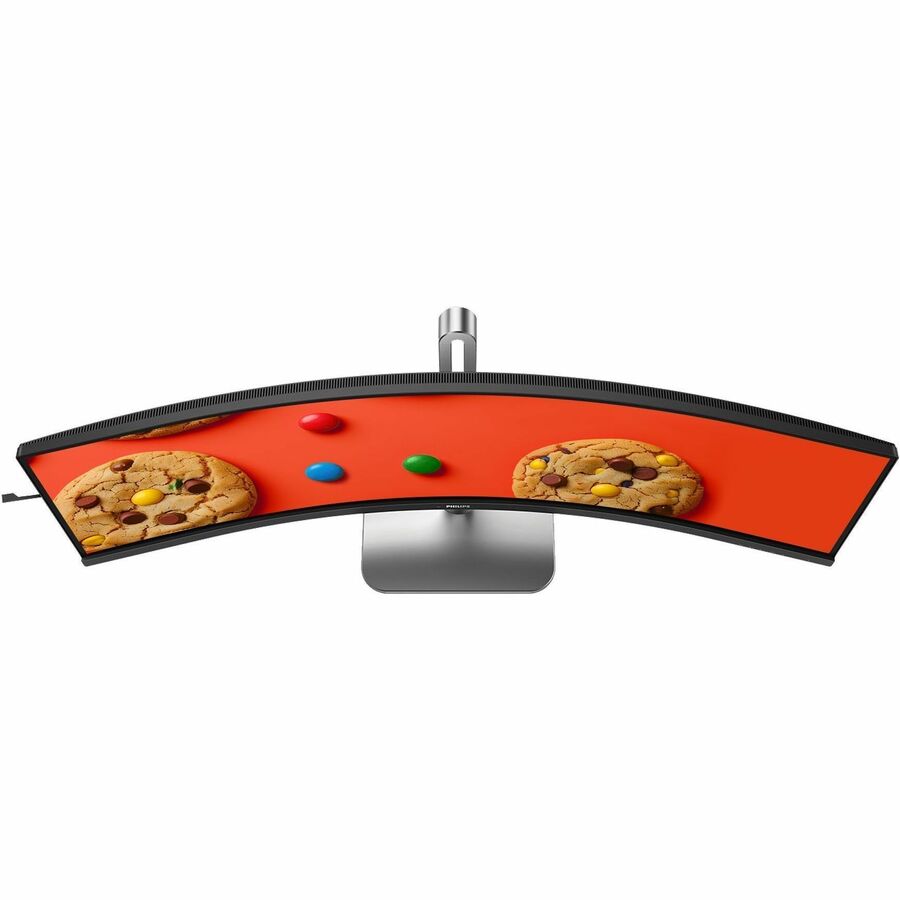
- Description
- Specifications
One Curved SuperWide Screen Instead of Two Monitors
A 49-inch, 5120 x 1440 DQHD VA panel, a 32:9 SuperWide curve, DisplayHDR 400, and single-cable USB-C docking make the Philips 49B2U5900C a productivity monitor that stands in for a dual-display setup. It gives you the desktop width of two QHD screens with no bezel down the middle. Compare more Philips displays or other curved monitors.
Best Suited For
The 49B2U5900C is a business SuperWide made for multitasking: a spreadsheet beside email beside a video call, or a wide timeline for editing and trading. Its 32:9 curved screen wraps a single continuous workspace across your desk, and SmartKVM lets you drive two computers from one keyboard and mouse by tapping Ctrl three times. A single USB-C cable docks a laptop for video and data, with an RJ-45 port bringing wired network over the same connection.
What It Delivers
- 49-inch DQHD, 32:9: a 5120 x 1440 VA panel on a curved SuperWide chassis, the width of two QHD monitors.
- SmartKVM and USB-C: switch between two sources from the keyboard, with single-cable USB-C docking and an RJ-45 network port.
- DisplayHDR 400, 500 nits, and 1.07 billion colors with 119% sRGB and a 3,000:1 native contrast.
- MultiView picture-by-picture and picture-in-picture, built-in stereo speakers, and Eyesafe-certified low blue light.
- Tilt, swivel, and height-adjustable stand with PowerSensor and a Kensington lock.
How far should you sit from a 49-inch monitor?
A 49-inch 32:9 curved monitor is most comfortable at roughly three to four feet, about an arm's length away, so the curve fills your peripheral vision without making you turn your head. That distance keeps the full 5120 x 1440 workspace readable while the SuperWide format wraps around your view. Adjust the height and tilt so the top of the screen sits near eye level.